Nâmedâr Simulation & Grading Guide
Learn how to run direct OMR (Optical Mark Recognition) grading directly inside your browser. We have provided a complete set of simulation assets below to evaluate the high-performance Rust/WASM engine without any setup.
Download Simulation Materials
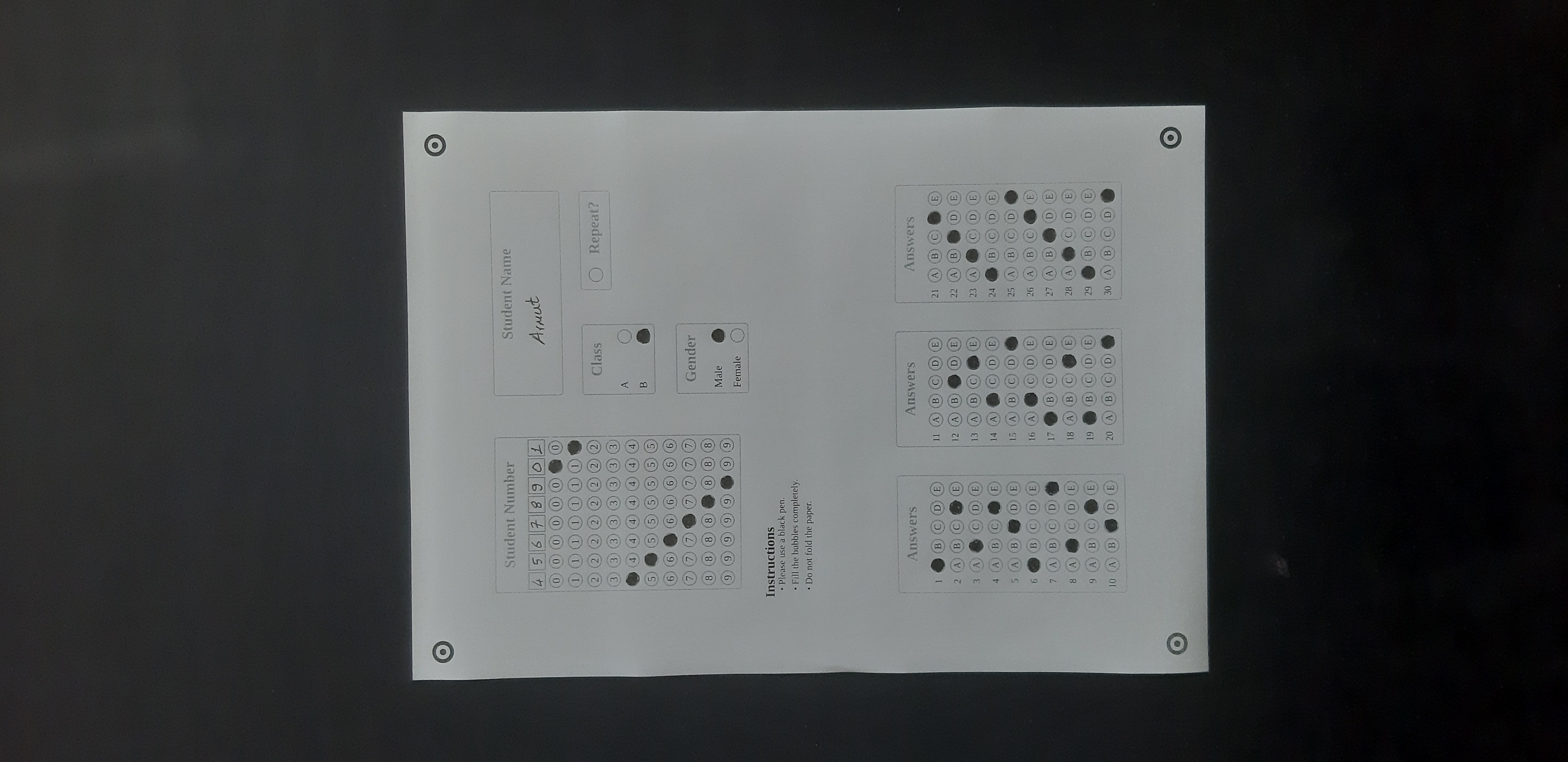
To proceed with this walk-through, download both the configuration schema and the five filled student answersheet images.
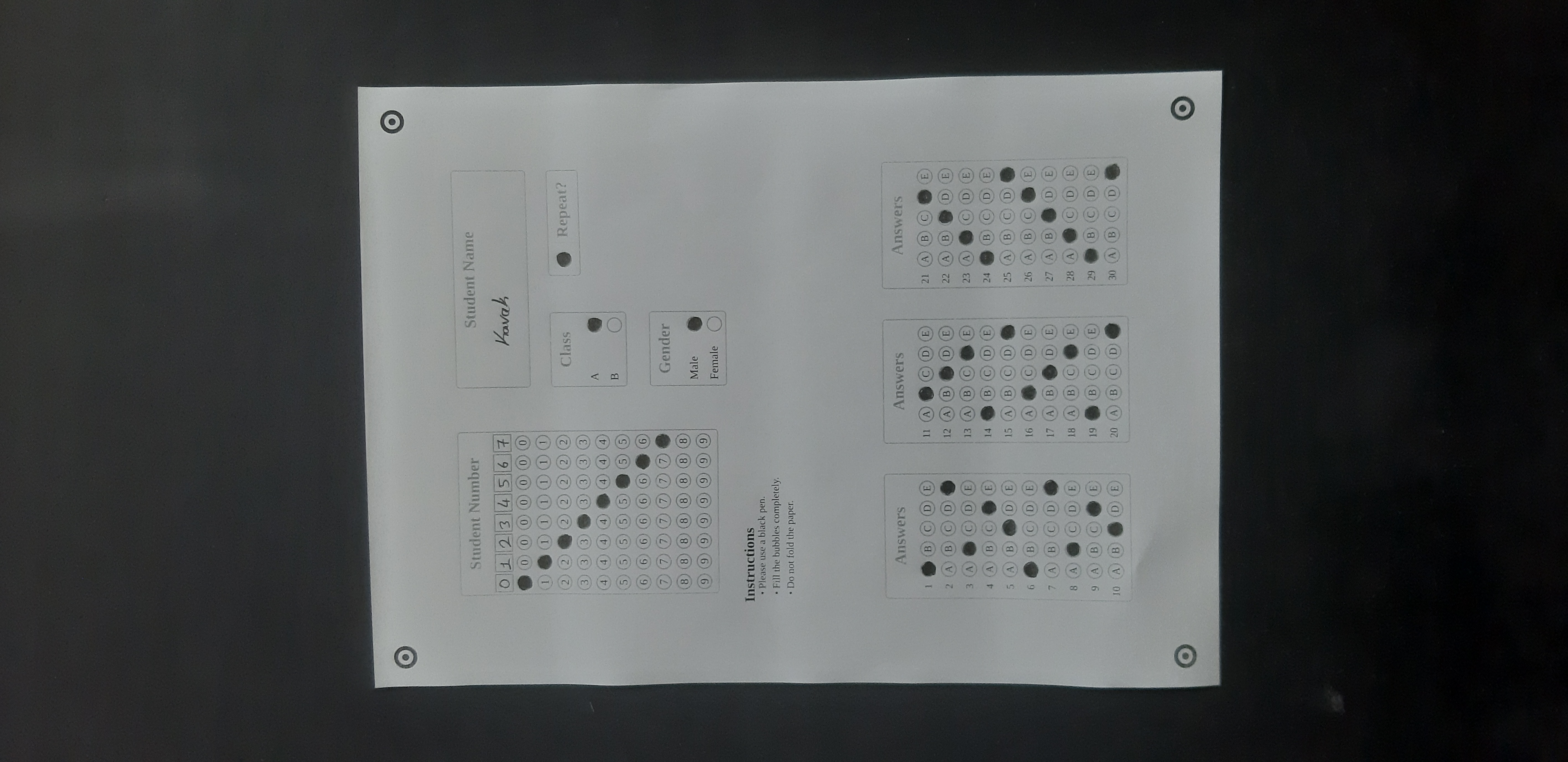
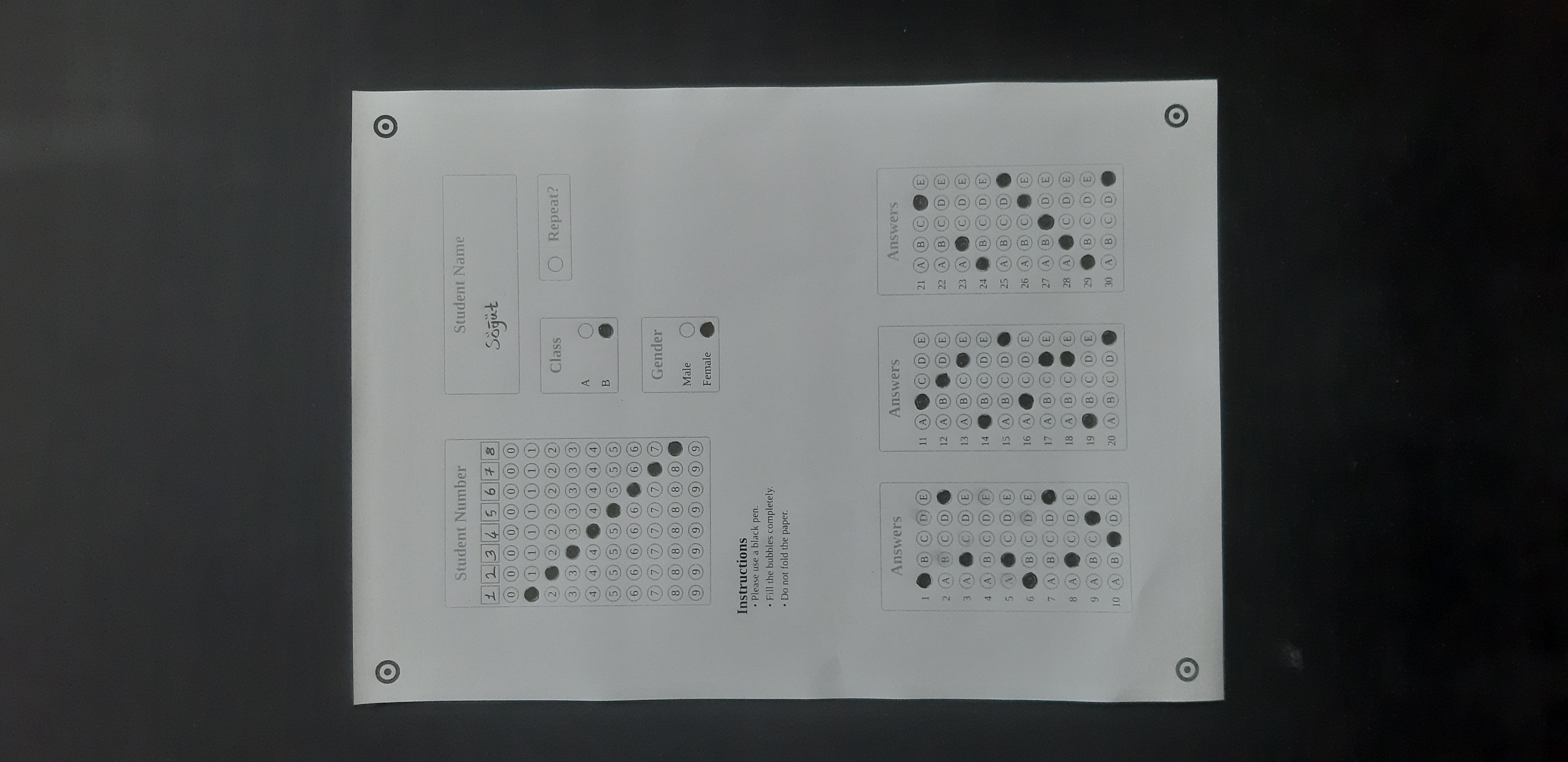
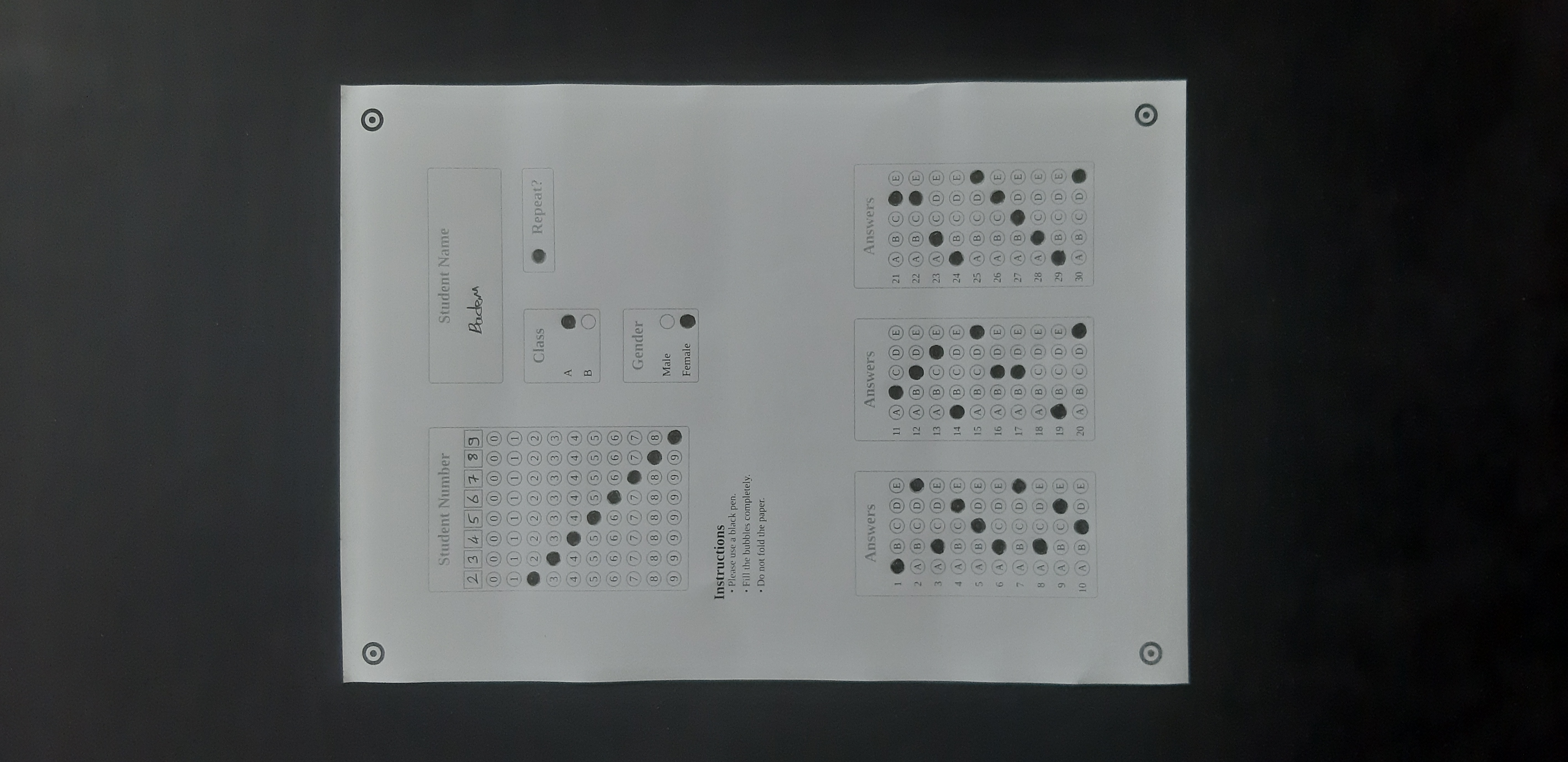
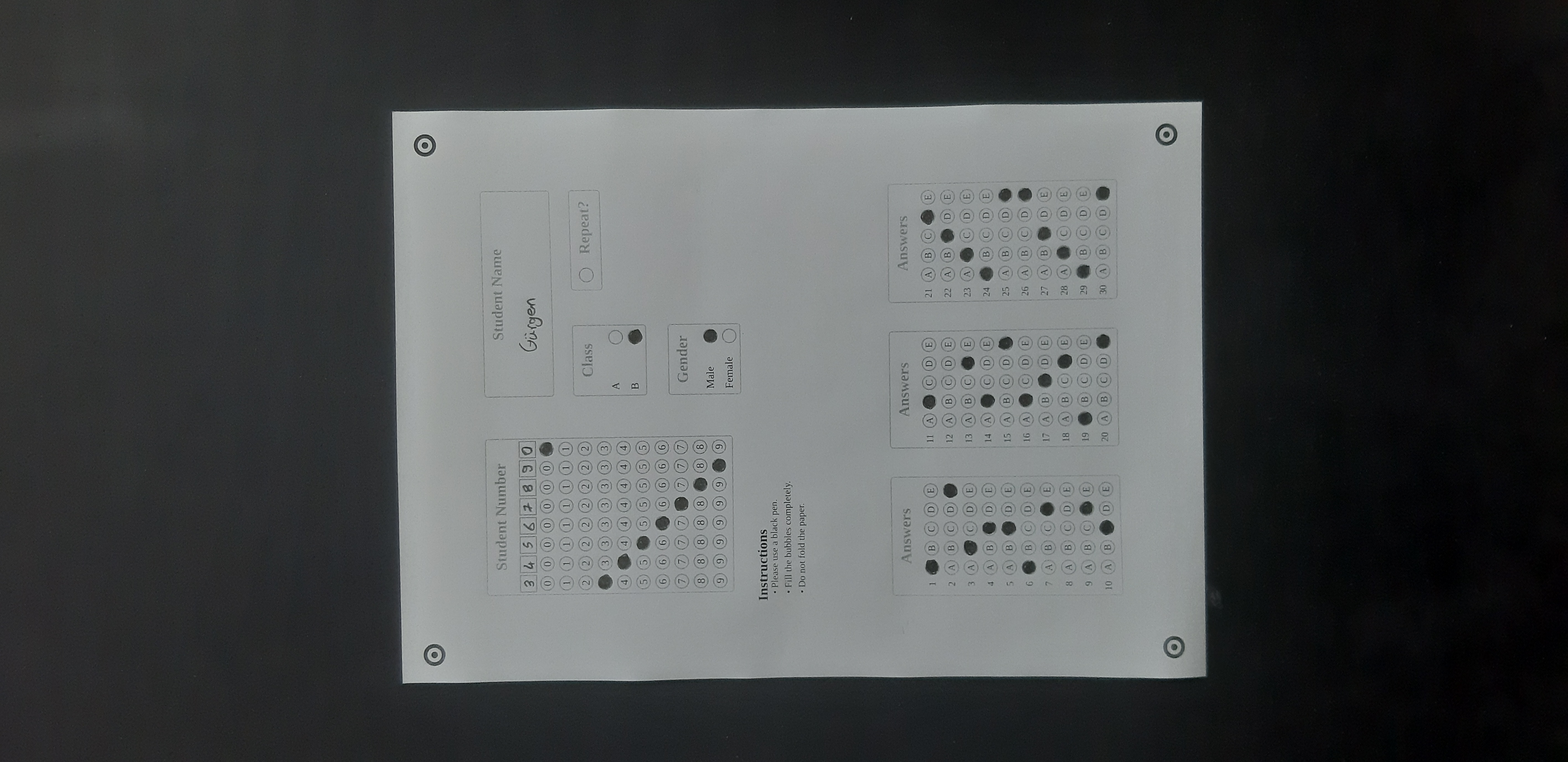
Workflow Roadmap
Import Project Configuration
Go to the Settings page in Nâmedâr. Locate the Data Management panel, click Import Backup, and upload the downloaded namedar-test-paper.json template.
Verify Imported Template
Navigate to the Papers list. You will find a brand new card named "Test Paper - 1" containing pre-defined optical parameters.
Access print snapshot
Go to the Printing tab, locate the imported print configuration, and click the Process link button next to it.
Evaluate and Save Results
On the Processing view, upload the 5 downloaded JPEG images. Define correct evaluation criteria, click Run, and then select Save Results.